Using the External Fan to Cool the Hot AMD Radeon HD 6700 Graphi
- 时间:2020-10-09 18:35:39
- 分类:网络文摘
- 阅读:151 次
I recently replace my graphic card on my HPZ800 Server from NVIDA Quadro 2000D (which is mostly used on Servers – excellent for CAD but not so much for 3D Gaming) to AMD Radeon HD 6700 Graphic Card. One of the reason for the change is that the NVIDIA Quadro card is not so performant on a 34x wide/curl screen.
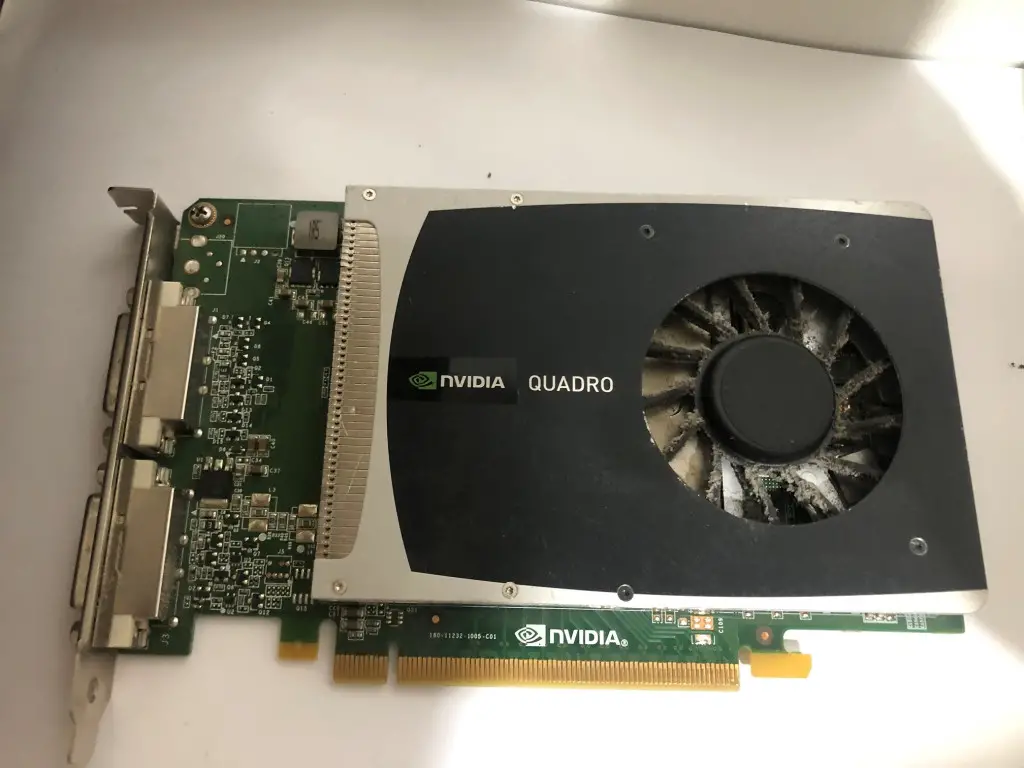
nvidia-quadro-2000d-graphic-card-for-hpz800
The 1024MB ATI AMD Radeon HD 6700 Series (ATI) is huge – and also with a Fan onboard. However, you would need to plugin a 6-pin cable to power it up otherwise the BIOS of HPZ800 will show 6-beeps error when booting.
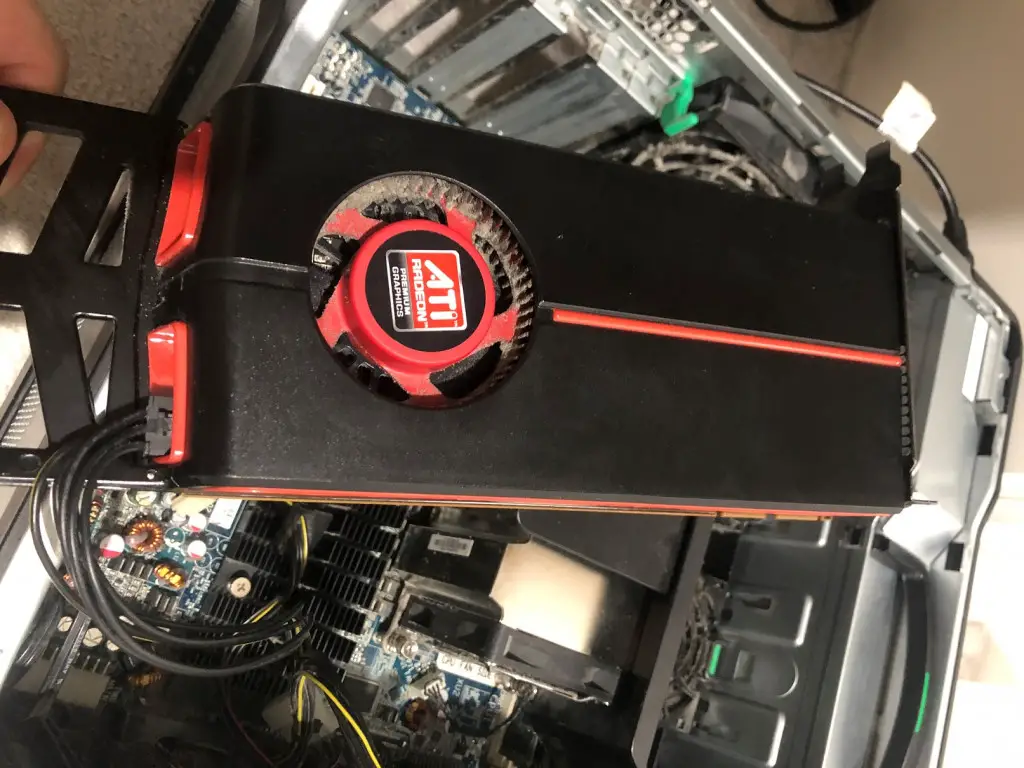
1024MB ATI AMD Radeon HD 6700 Series (ATI)
The temperature of the AMD Radeo HD 6700 Graphic Card is hot – with more than 90 degree just doing normal daily jobs – not even playing games or opening any applications require intensive 3D GPU engine.
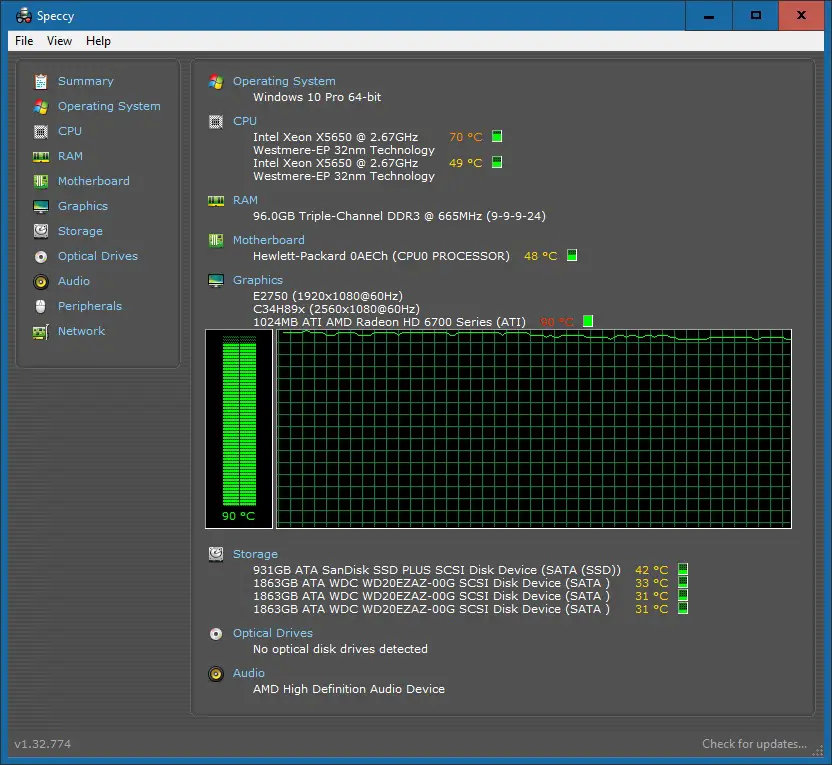
hot-graphi-card-ati-amd-radeon-hd-6700-ati-1gb
I open the server side-panel and put a Fan to cool it down, in order to prevent it from overheating – e.g. the Graphic Card will stop itself when temperature is too high e.g. 95 degree.
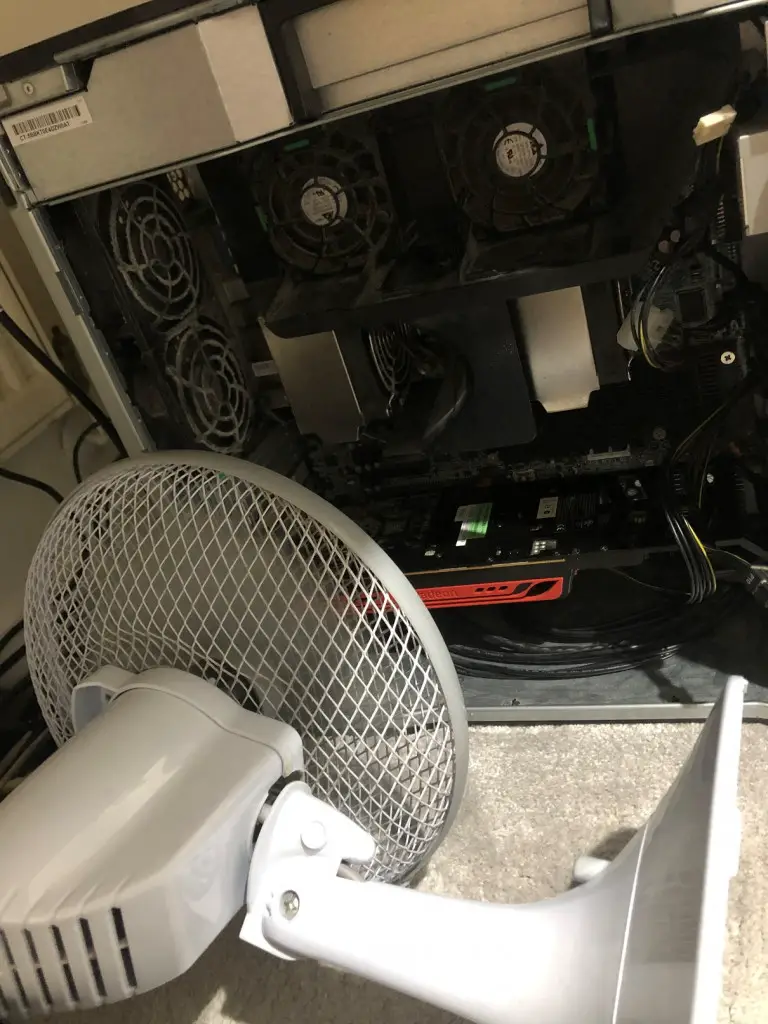
external-fan-to-cool-down-graphic-card
This is effective, as it quickly cools the Graphic card to temperature 80 degree. The temperatures of HPZ800 motherboard, CPU, and other components such as HDD/SSD are also reduced.
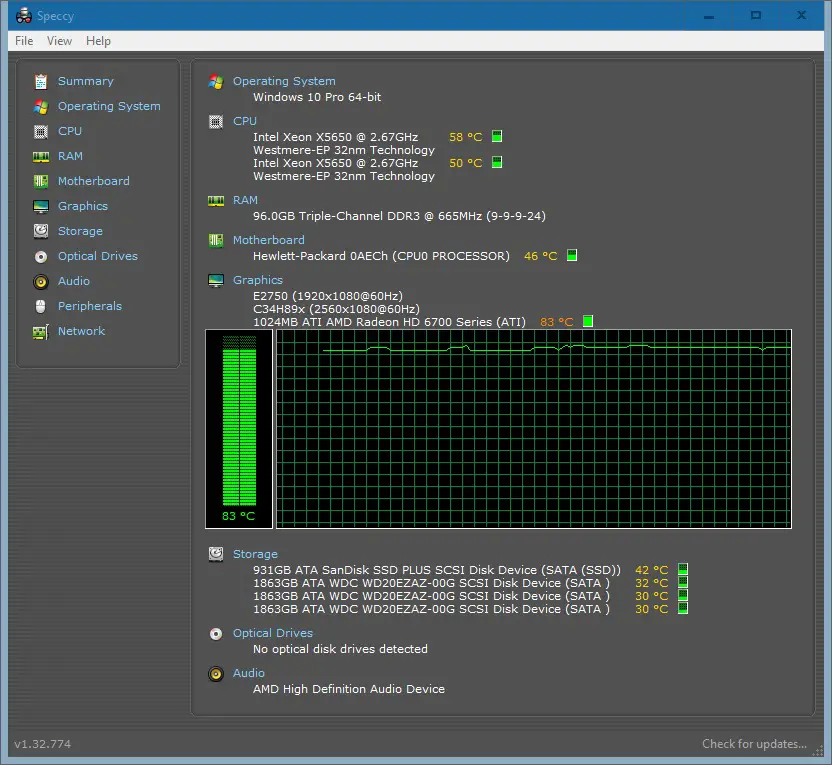
cooler-graphi-card-ati-amd-radeon-hd-6700-ati-1gb
The software to view the temperature in above screenshot is Speccy.
–EOF (The Ultimate Computing & Technology Blog) —
推荐阅读:吃水果的禁忌以及富含维生素的水果 黄瓜的营养价值保健效果及食用方法 土鸡蛋与洋鸡蛋的营养价值以及区别 冬季适当吃糯米类食物有御寒滋补之功效 三类护耳食物可以延缓老年人听力下降 红枣养生知识:食用红枣需注意的问题 健康面点拒绝这些有毒的添加剂原料 火锅健康吃法:先素后荤 煮烫适度 少吃辣 柚子的保健功效以及食用柚子的禁忌 许多人已经走入了补充益生菌的误区
- 评论列表
-
- 添加评论